Create Checkmk Rules Automatically
The Syncer can create any type of Checkmk setup rule automatically — including active checks, threshold rules, and more. Rules are created per host based on conditions and deleted again when the conditions no longer apply.
This guide shows the principle. For the full step-by-step workflow including how to find ruleset IDs and value formats, see Manage Contact Groups.
Workflow
- Create one example rule in Checkmk of the type you want
- Copy the ruleset name and API value (see recipe_contact_groups.md)
- Create a new Syncer rule in Modules → Checkmk → Manage Checkmk Setup Rules
- Set conditions for which hosts should get the rule
- Paste the API value into the Value Template field
- Replace host-specific parts with
{{HOSTNAME}}or other attribute placeholders
Value Template
The value template supports full Jinja. Any host attribute can be used as a placeholder. The Condition — Host name field also supports Jinja and comma-separated lists.
Example: Active Certificate Check
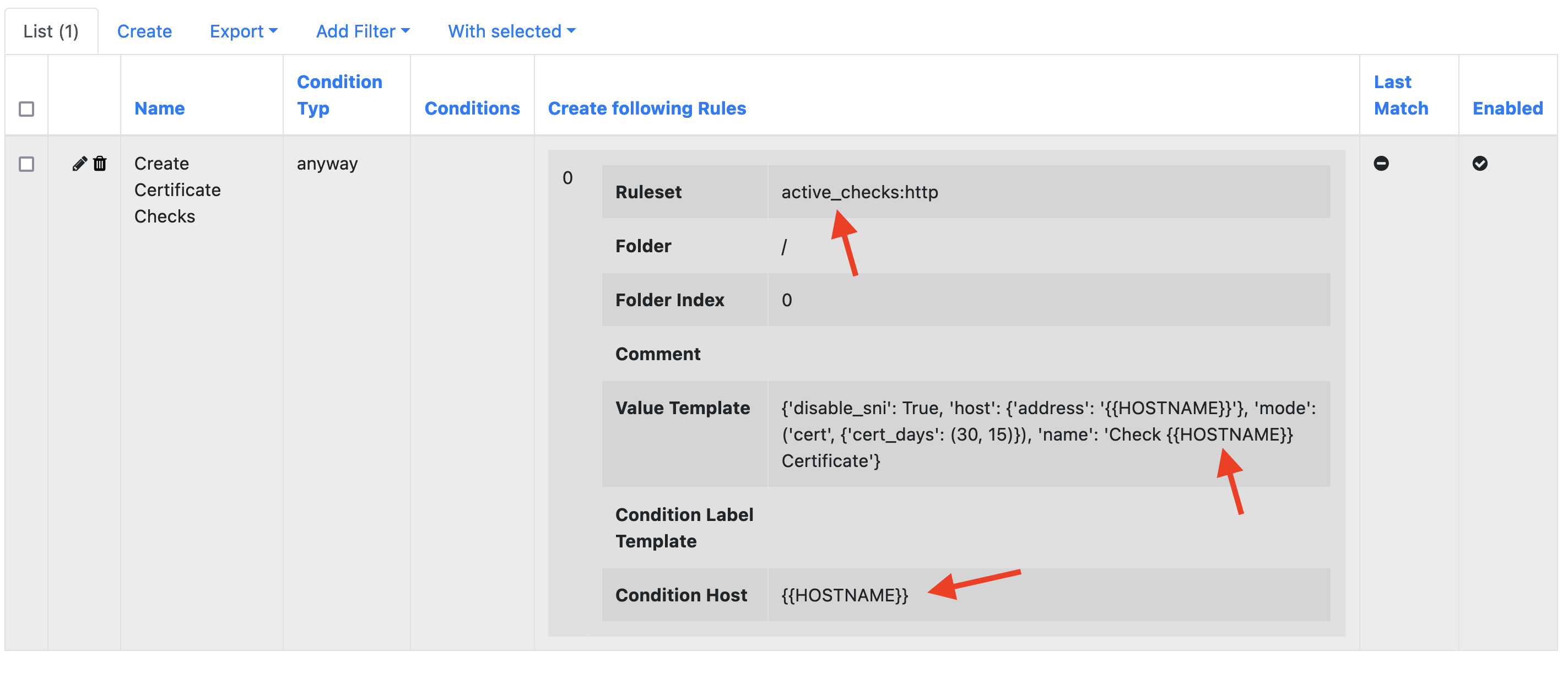
This example creates an active certificate check for each host:
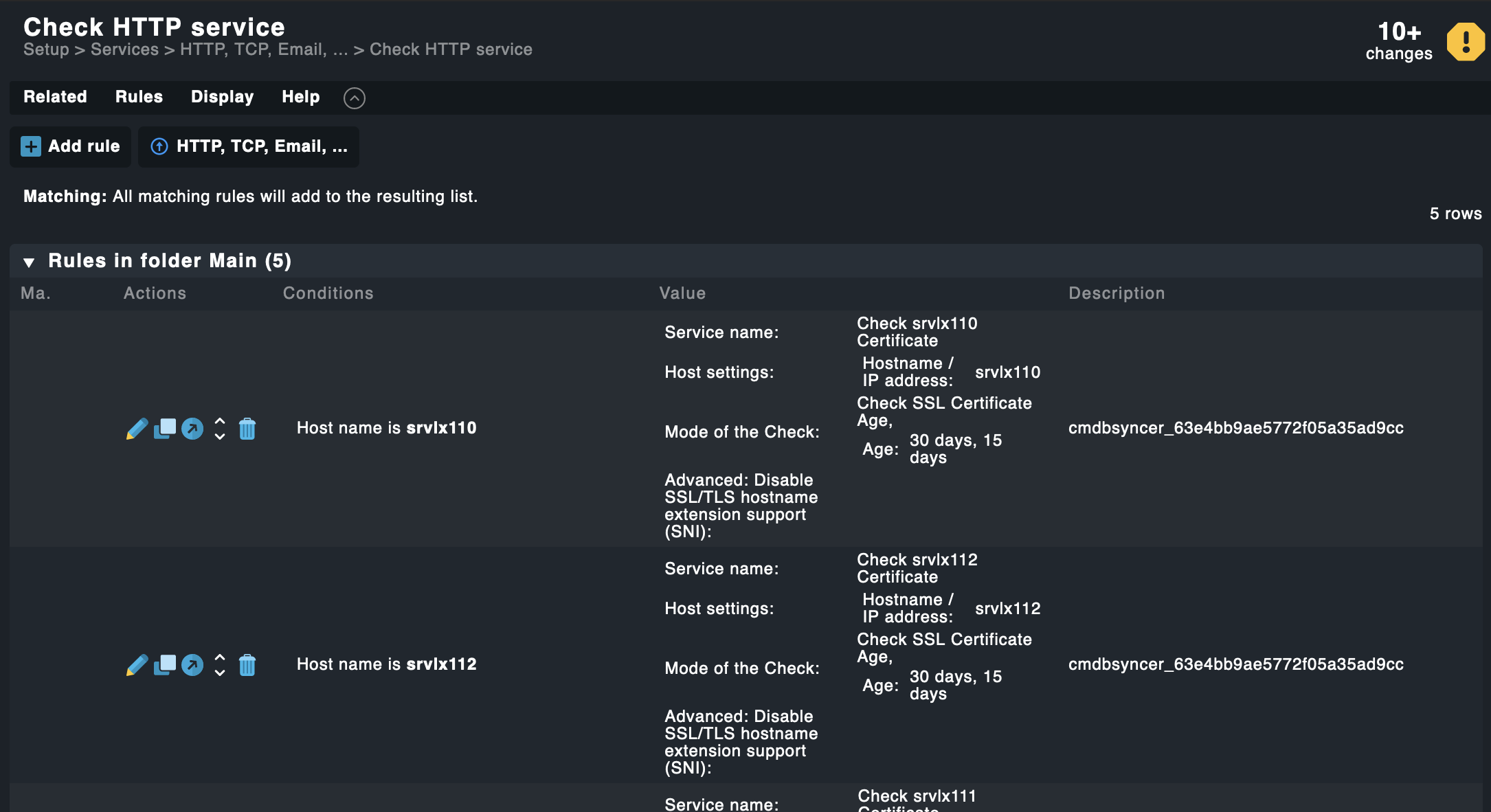
Result in Checkmk after export: